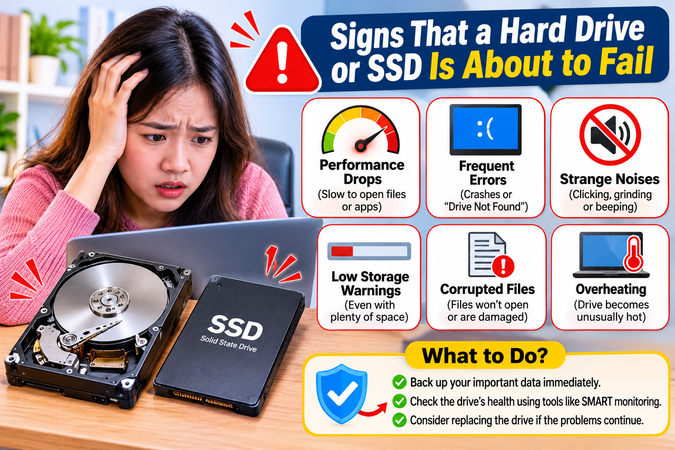
Signs That a Hard Drive or SSD Is About to Fail and How to Prevent Data Loss. Your computer suddenly freezes right in the middle of saving a finished school project, a client edit, or a folder of irreplaceable family photos. You wait a minute, move the mouse, and nothing happens except a spinning cursor and a silent wave of panic.
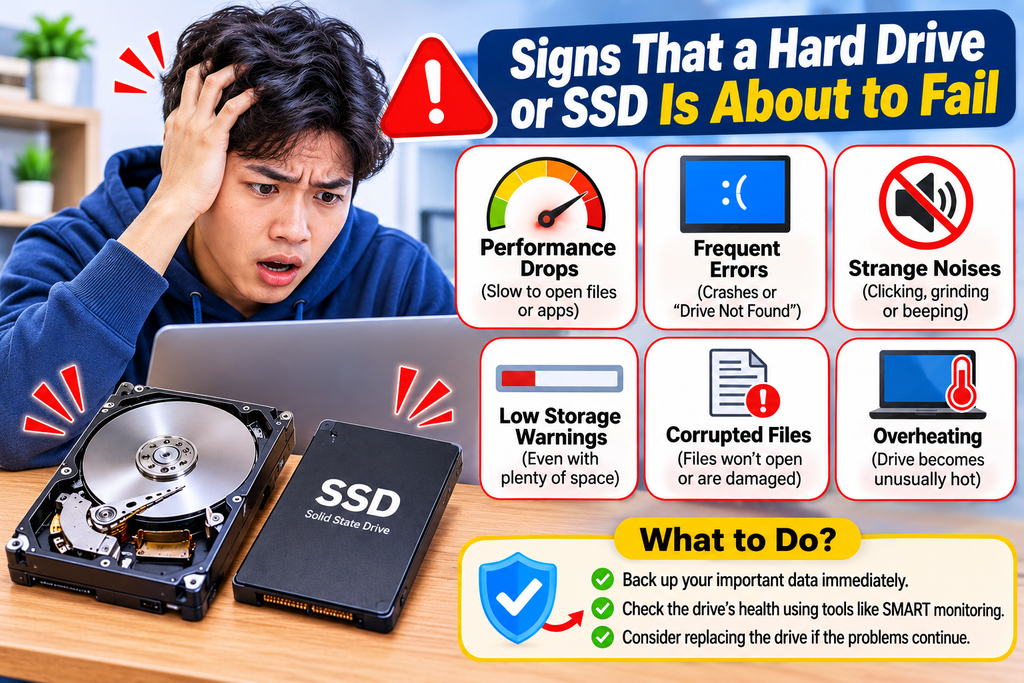
Knowing the signs that a hard drive or SSD is about to fail and how to prevent data loss can mean the difference between a smooth hardware swap and losing years of work forever. Most storage devices give subtle clues before they die completely, even when they look fine on the outside. In this guide, we will walk through how storage drives wear out, spot early warning signals on both mechanical drives and solid-state drives, check drive health properly, and put reliable backup habits in place before disaster strikes. Signs That a Hard Drive or SSD Is About to Fail and How to Prevent Data Loss
Understanding Storage Lifespan: Why Hard Drives and SSDs Fail
Every storage drive has a finite operational life, and understanding how different drives work helps you recognize trouble sooner. A mechanical hard drive (HDD) stores data magnetically on rapidly spinning metal or glass platters while a tiny actuator arm moves read/write heads a fraction of a millimeter above the surface. Because physical parts are constantly spinning and shifting, mechanical wear, heat, vibration, and tiny microscopic imperfections on the platter surface eventually degrade performance. Over time, friction increases, bearings loosen, and sectors that once held data cleanly begin returning errors.
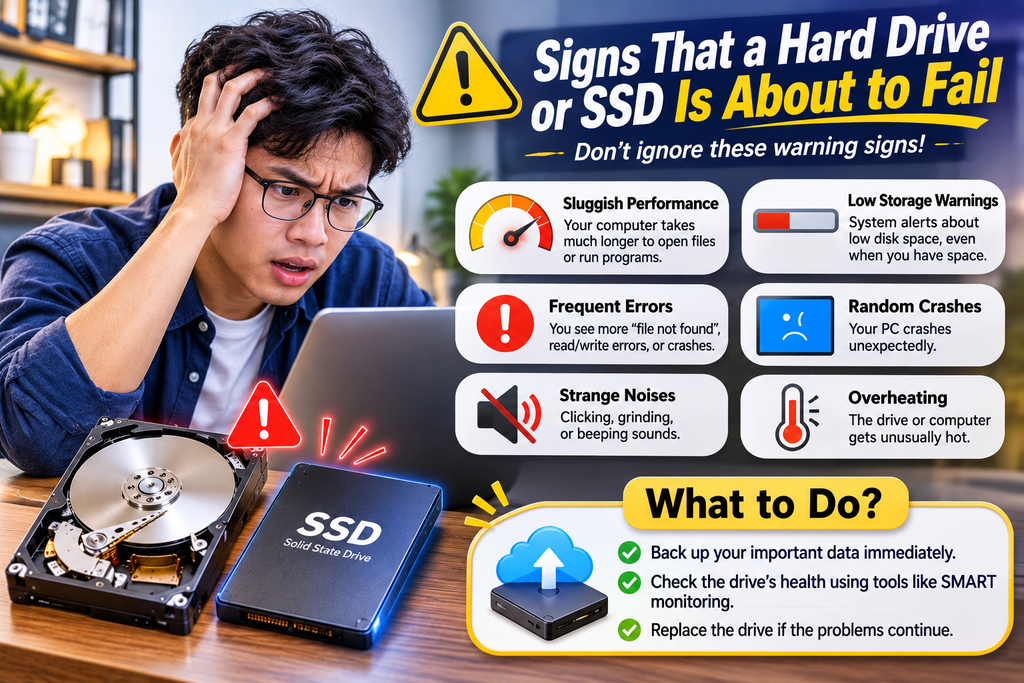
A solid-state drive (SSD) takes a completely different approach by storing data electronically inside NAND flash memory cells rather than on spinning disks. Instead of moving arms and platters, an SSD relies on an onboard controller chip and memory blocks that hold electrical charges to represent ones and zeros. Each time data is erased and rewritten in a flash cell—known as a program/erase (P/E) cycle—the insulating oxide layer inside the cell experiences slight wear until it can no longer hold a charge reliably. While eliminating moving parts makes SSDs much tougher against bumps and drops, flash wear, controller glitches, and heat stress still bring every SSD to the end of its road eventually.
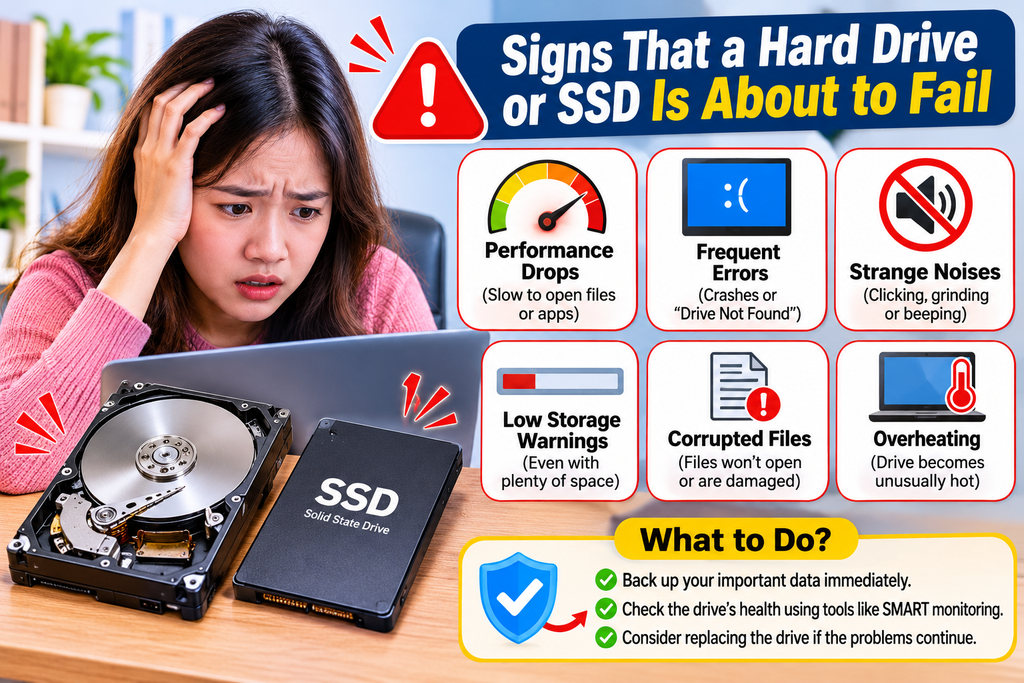
“Storage failure is rarely a single event; it is usually a slow accumulation of stress—thermal, mechanical, or electrical—until the drive can no longer keep pace with what your system demands.”
Both HDDs and SSDs also face shared environmental and electrical hazards that shorten their lifespan far earlier than expected. Sudden voltage spikes, frequent power cuts during file transfers, poor case or laptop airflow, dust accumulation, and occasional factory defects can push a healthy drive toward early failure. Paying attention to how your system behaves day to day gives you a valuable head start when stress begins building up. Signs That a Hard Drive or SSD Is About to Fail and How to Prevent Data Loss
Key Causes of Premature Drive Wear. Signs That a Hard Drive or SSD
Heat and Poor Airflow: Sustained high operating temperatures accelerate electronic aging in SSD controllers and increase lubricant evaporation or thermal expansion in mechanical hard drives.
Power Instability: Unplanned shutdowns, brownouts, or cheap power supplies can corrupt file system metadata and stress internal drive components during active writes.
Physical Shock and Vibration: Dropping a laptop or bumping an external drive while the platters are spinning can cause the read/write head to touch the platter surface, creating instant physical damage.
Continuous Heavy Workloads: Constant high-volume reading, writing, and re-indexing push both mechanical assemblies and NAND flash cells closer to their endurance limits.
| Factor | Mechanical Hard Drive (HDD) | Solid-State Drive (SSD) | Impact on Lifespan |
|---|---|---|---|
| Core Storage Mechanism | Spinning magnetic platters + moving read/write heads | NAND flash memory cells + flash controller | HDDs face mechanical wear; SSDs face write-cycle wear |
| Drop & Shock Resistance | Low when powered on or spinning | High (no moving parts) | Bumps can scratch HDD platters; SSDs handle travel better |
| Heat Sensitivity | Moderate to high over long periods | High on controller and high-speed NVMe drives | Excess heat speeds up degradation on both drive types |
| Typical Failure Pattern | Gradual slowdown, noise, and bad sectors | Gradual cell wear, read-only lock, or sudden controller drop | Early detection matters most before total breakdown |
Case Study — The Unbacked-Up Project Drive: Consider a video editor working off a secondary storage drive that has been running for four years without a single backup. For weeks, exporting projects takes noticeably longer and one raw clip folder occasionally hangs when opened, yet the editor keeps pushing deadlines without checking drive health. When the drive finally refuses to mount during a rush delivery, emergency recovery becomes stressful and costly—a reminder of why spotting early signs that a hard drive or SSD is about to fail and how to prevent data loss through proactive backups is always worth the effort.