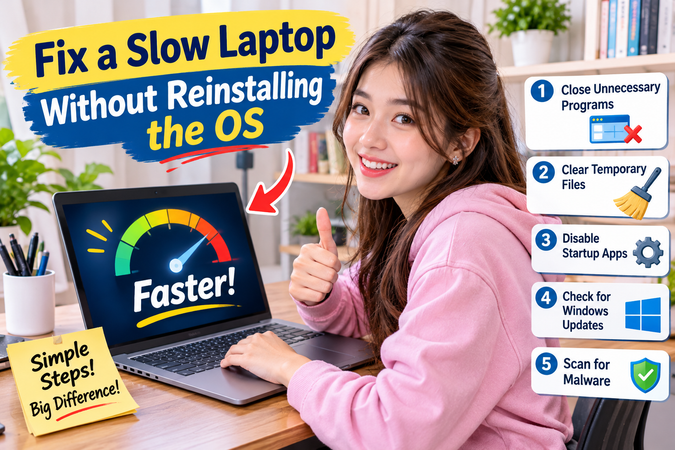
How to Fix a Slow Laptop Without Reinstalling the OS
Introduction
Few things are as frustrating as staring at a spinning wheel or a frozen screen when you are right in the middle of an important project.
If your trusted computer has begun to crawl, your first instinct might be to panic and assume you need to wipe your hard drive clean. However, learning how to fix a slow laptop without reinstalling the OS is entirely possible and much easier than you think.
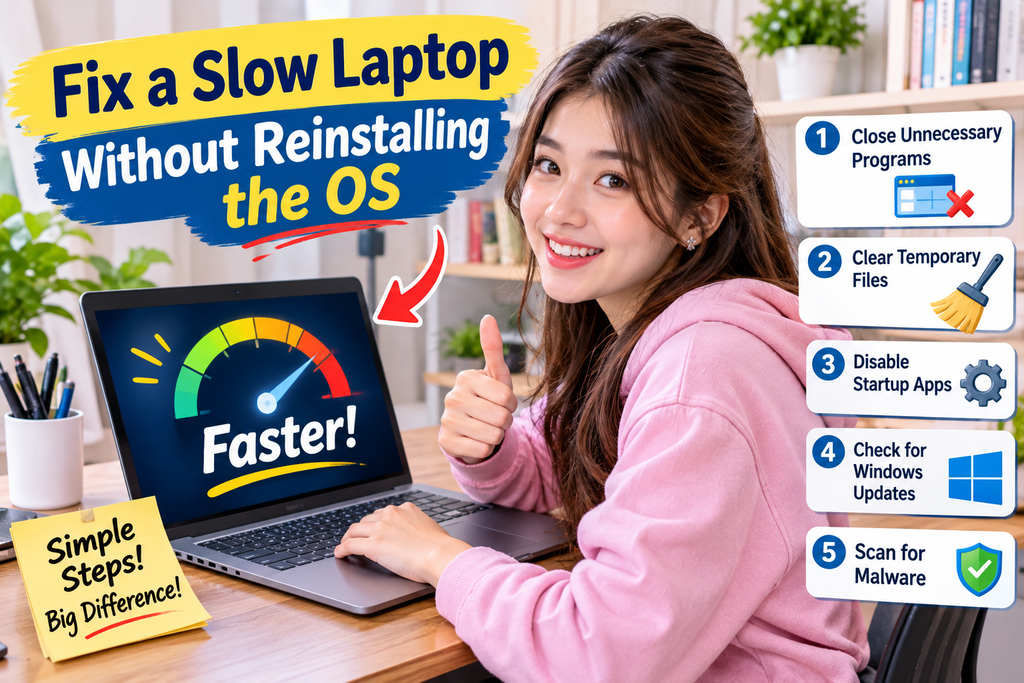
Many users mistakenly believe that a sluggish device requires a drastic factory reset or a complete reinstall of Windows or macOS.
In reality, modern operating systems accumulate temporary files, background clutter, and outdated configurations over time that bog down performance. By targeting these root causes directly, you can easily fix a lagging laptop without losing data and restore its original zip.
In this comprehensive guide, we will walk you through proven, step-by-step methods to speed up a sluggish laptop without formatting, saving you hours of backup time and technical frustration.